
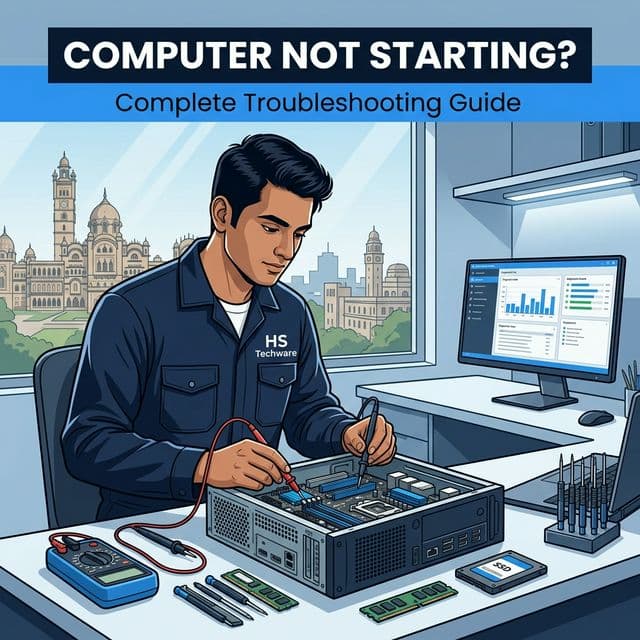
Whether you use your system for office work, studies, business billing, or daily communication, a non-booting computer can halt everything. If you are facing a computer not starting issue in Vadodara, this detailed guide will help you understand the possible causes, what you can check yourself, and when professional repair becomes necessary.
First, Understand What "Not Starting" Means
Different startup failures indicate different technical problems. Your computer might:
- Show no power at all
- Turn on but show no display
- Get stuck on the logo screen
- Restart continuously
- Display a blue screen error
- Make unusual beeping sounds
Each symptom points toward a specific technical fault.
Situation 1: No Power Response
If pressing the power button produces no lights, no fan movement, and no sound, possible causes include faulty power cable, damaged power supply (SMPS), motherboard short circuit, or electrical fluctuation damage. In many homes and offices across Vadodara, voltage fluctuation is a common factor behind sudden desktop failure.
- Try a different power socket
- Check power cable
- Listen for internal fan sound
If there is still no response, hardware inspection is required.
Situation 2: CPU Turns On but No Display
This is one of the most common complaints in Vadodara computer repair cases. The CPU fan runs, the power light is ON, but the monitor shows 'No Signal'.
- RAM not seated properly
- Faulty graphics output
- Loose internal connection
- Motherboard issue
Improper internal handling can worsen the damage. Professional diagnosis is recommended.
Situation 3: Stuck on Logo Screen
If the system stops at the Windows logo or brand screen, likely causes include corrupted operating system, failing hard disk, recent incomplete update, or boot configuration error. This is common in older systems still using traditional HDD storage.
- Corrupted OS files
- Hard disk health
- Boot configuration error
- Recent failed update
Upgrading to SSD often prevents recurring startup freeze issues.
Situation 4: Continuous Restart Loop
If your computer keeps restarting without fully loading, possible causes include RAM instability, overheating processor, power supply inconsistency, or Windows corruption. Many systems in Vadodara experience restart loops during summer due to thermal stress inside cabinets.
- RAM instability
- Overheating processor
- Power supply inconsistency
- Windows corruption
Internal cleaning and thermal paste replacement often resolve such cases.
Situation 5: Blue Screen Before Startup
A blue screen (BSOD) typically indicates driver conflicts, hardware failure, storage errors, or corrupted system files.
- Driver conflicts
- Hardware failure
- Storage errors
- Corrupted system files
Ignoring repeated blue screen errors may lead to complete boot failure.
When Should You Call a Professional in Vadodara?
- The system contains important data
- You hear clicking sounds from storage
- The device overheats quickly
- You are unsure about internal hardware handling
- The issue repeats after temporary fixes
Preventive Measures to Avoid Startup Failure
- Use a voltage stabilizer or UPS
- Keep system internally clean
- Avoid forced shutdowns
- Upgrade outdated storage drives
- Install genuine operating system updates
Need Computer Repair in Vadodara?
Professional assistance can restore system functionality safely. Services include power supply replacement, motherboard troubleshooting, RAM testing, hard disk health check, Windows reinstallation, and SSD upgrade.
Looking for expert computer service in Vadodara? Visit our computer service pagefor fast repair and support.